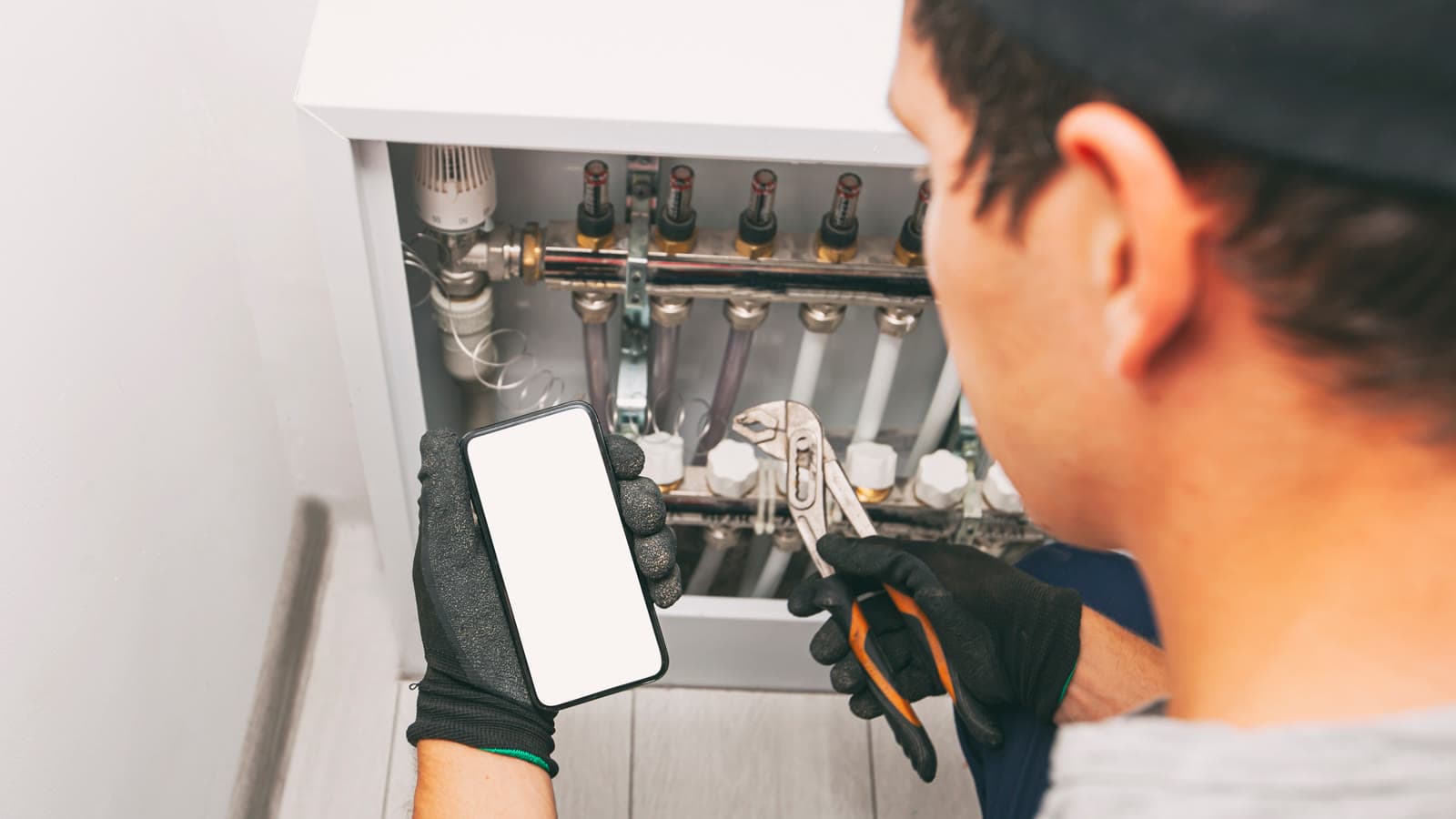
A technician is called to an air handling unit on a roof. The manual is somewhere on a shared drive. The last repair is buried in an email thread. Nobody is sure whether there is already an open work order for the noisy fan. So the first half hour of the job is spent searching, phoning and guessing, before a single panel comes off.
QR codes on equipment are supposed to fix exactly this, and they can. But plenty of sites have put stickers on every unit and seen very little change. The sticker was never the point. What matters is what opens when someone scans it. We told this story in a 45-second video, One scan. This post covers what belongs behind the scan and how to keep it useful.
A QR code is a pointer, not a system
A QR code holds very little: usually just an identifier or a link. Everything useful lives in the record it points to. If that record is a static page with the model number, the scan saves a few seconds of reading the nameplate. If it is the live record of the asset, with its documents, work and history, the scan saves the search that used to start every job.
So before choosing labels, decide what the record behind them should contain and who keeps it current.
What belongs behind the scan
For most maintenance and facility teams, the record that opens should answer six questions:
- Is this the right unit? Tag or name, location, make, model and serial number. On a roof with four identical units, this matters more than anything else on the list.
- How does it work, and how do I work on it safely? The O&M manual, wiring diagrams, the relevant procedures and any isolation or lockout steps, in their current versions.
- Is someone already on it? Open work orders on the unit, so a second technician does not diagnose a problem that is already in hand, and nobody raises a duplicate.
- What happened last time? Past work orders and what was done, recent inspections, and the readings they recorded. "Belt replaced in April" changes the diagnosis of a noisy fan.
- What is due? Inspections and checks scheduled for this unit, so a visit for one job can cover the routine check that is due next week.
- What can I do from here? Start the right inspection or form against this asset, so anything recorded during the visit lands on its history automatically.
In Vardian, scanning an asset's QR tag opens its record with its forms, work orders and documents in one place. That is the behavior to look for in any system: the scan starts the job with full context, instead of opening a document someone has to remember to update.
Labels that survive the plant
The best record in the world is useless if the label cannot be scanned. A few practical rules prevent most label failures:
- Choose labels for the environment. Rooftop and outdoor units need UV-resistant labels. Wash-down areas, chemical areas and hot surfaces each need materials rated for them.
- Place them where people stand. Put the label where a technician naturally stands to work on the unit, reachable without climbing or entering a guarded area. Avoid removable panels and doors that get swapped between units.
- One asset, one code. A code should identify one asset and nothing else. Tagging a whole plant room with a single code brings back the "which one?" problem.
- Match your asset register. The name printed under the code should match the name used in work orders and drawings. If your register is inconsistent, fix the naming before printing labels.
- Test the scan where it will be used. Low light, glare, gloves and a dirty lens are normal conditions on site. Test with the phones your team actually carries.
Who should see what
A code stuck on equipment can be scanned by anyone who walks past, including contractors and visitors. That is a reason to make the scan open the record inside an app that requires a login, rather than a public web page with your wiring diagrams on it. It also lets different people see different things: a contractor may need the procedure and the open work order, not your full maintenance history.
Keep the record worth scanning
A scan that opens an out-of-date manual or a history that stops last year teaches people not to bother. Keeping the record useful is mostly about ownership and habit:
- Give documents an owner. Someone needs to be responsible for replacing a procedure when it changes, rather than adding a second version next to the first.
- Record work against the asset as it happens. If work orders and inspections are created from the asset record, the history keeps itself current.
- Update the record when equipment changes. A replaced unit should get a new record or an updated one, not just a new sticker on the old code.
Where to start
Do not tag everything at once. Pick one building or one plant room and start with the units that generate the most calls. Link their manuals and procedures, bring in recent work history where you have it, and put durable labels where technicians stand. Then ask the technicians after a few weeks whether the scan saved them time, and what was missing when it did not.
If facility equipment is your focus, see how facility management teams use Vardian, or start with a ready-made air handling unit maintenance checklist that you can attach to the unit's record. For how assets, documents and work connect across the platform, see connected assets.
See it with one of your own workflows
Bring a round, an inspection or a maintenance process to a demo, and we'll show how it runs in Vardian.
Book a demo